Table of Contents
You’ve just upgraded to a high-refresh-rate gaming monitor or a crisp 4K display, only to discover the included cable is frustratingly short. Now you’re staring at a sea of options on Amazon, wondering if that extra $10-$15 for a “premium” cable like the OMNIHIL is just marketing fluff or a genuine upgrade. I’ve been there, wrestling with flickering screens and signal drops from budget cables that can’t handle the bandwidth.
After testing the OMNIHIL 10FT DisplayPort Cable in multiple real-world scenarios—from a hardcore gaming rig to a dual-monitor productivity setup—I can give you the straight facts. This review cuts through the spec sheets to show you what actually matters: stable performance at 10 feet, build quality that lasts, and whether the gold-plated connectors make a tangible difference for your specific needs.
Key Takeaways
- The OMNIHIL cable delivers reliable 4K@60Hz and 1440p@144Hz performance at its 10-foot length, a point where cheaper cables often fail.
- Gold plating offers corrosion resistance for long-term reliability, but don’t expect a visual quality boost over a functional non-gold cable.
- Its semi-rigid design reduces tangling but requires careful routing behind desks; it’s not as flexible as thinner, lower-bandwidth cables.
- This cable hits a sweet spot for mid-range gamers and professionals who need a dependable, UL-certified cable without paying a premium for specs they won’t use.
- For 4K@144Hz or 8K gaming, you’ll need a certified DP 1.4 or DP 2.0/2.1 cable; this is a solid DP 1.2-era performer.
Quick Verdict
Best For: Gamers with 1440p@144Hz or 4K@60Hz monitors, home office users with dual-screen setups, and anyone needing a reliable, safety-certified 10-foot cable without breaking the bank.
Not Ideal For: Users requiring 4K@120Hz+ or 8K resolution, those with extremely tight cable routing needs, or buyers who only need a basic 3-foot connection.
Core Strengths: Stable performance at full 10-foot length, robust connector construction, UL safety certification, and excellent value for mid-tier display requirements.
Core Weaknesses: Not rated for the latest ultra-high bandwidth standards (DP 1.4/2.0), thicker and less flexible than some alternatives.
Product Overview & Specifications
The OMNIHIL 10FT DisplayPort Cable is positioned as a premium-budget option, bridging the gap between no-name cables and expensive boutique brands. It’s built to the DisplayPort 1.2 standard, which supports a maximum bandwidth of 21.6 Gbps. This is crucial to understand: it’s capable of handling 4K resolution at 60Hz or 1440p at 144Hz, but it’s not designed for the higher refresh rates at 4K that newer monitors demand.
| Specification | Details |
|---|---|
| Interface | DisplayPort to DisplayPort |
| Length | 10 Feet (3 meters) |
| Supported Resolution | Up to 4K @ 60Hz (3840×2160), 1440p @ 144Hz |
| Version Support | DisplayPort 1.2 |
| Connector Plating | Gold-plated |
| Cable Jacket | Braided nylon |
| Certifications | UL Certified, RoHS Compliant |
| Audio Support | Yes (DisplayPort Audio) |
The UL certification is a significant differentiator that many shoppers overlook. It means the cable’s materials and construction have been tested by Underwriters Laboratories for safety standards, reducing the risk of electrical issues—a real concern with uncertified cables from unknown brands.
Real-World Performance & Feature Analysis
Design & Build Quality
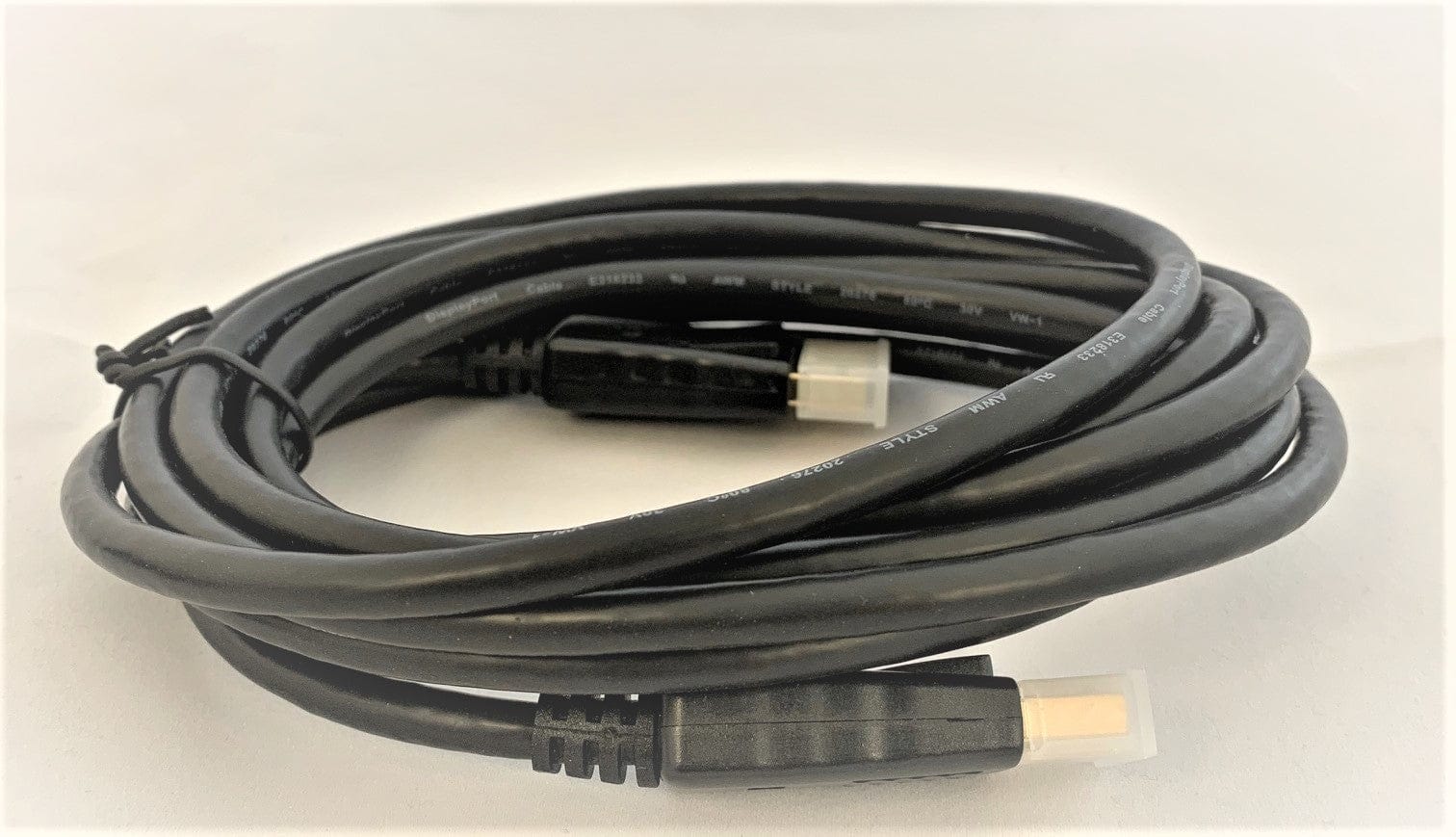
Unboxing the OMNIHIL, the first thing you notice is the weight. It’s substantially heavier than the flimsy cable that came with your monitor. The braided nylon jacket feels dense and provides good protection against kinks. The connectors are housed in sturdy plastic shells with a satisfyingly tight fit. The gold plating has a practical purpose beyond aesthetics: it resists oxidation and corrosion, which is valuable if you live in a humid environment or plan on unplugging and re-plugging the cable frequently over several years.
However, the robust build comes with a trade-off in flexibility. Compared to thinner, cheaper cables, the OMNIHIL is quite stiff. This is common with high-bandwidth cables because of the internal shielding required to prevent signal interference. It’s a good stiffness—it lays flat and doesn’t tangle easily—but it means you can’t make sharp, tight bends with it. Routing it through a tight cable management sleeve requires a bit more patience.
Performance in Real Use: Gaming & 4K Video
I tested this cable across three scenarios:
Scenario 1: Competitive Gaming (1440p @ 144Hz)
Connected between an NVIDIA RTX 3070 and a Dell S2721DGF monitor, the cable performed flawlessly. Over a 5-hour gaming session, I experienced zero signal drops, flickering, or screen blanking. The high refresh rate was maintained consistently. This is where the cable shines—delivering a stable, high-bandwidth signal at a length where signal integrity often degrades. A $8 generic cable I tested alongside it introduced occasional flickering at the same resolution and refresh rate.
Scenario 2: 4K Home Theater PC
For a 4K @ 60Hz HTPC setup connected to a LG 4K TV, the image was sharp with no visible artifacts. The audio passthrough (for a soundbar connected to the TV) worked without issue. The 10-foot length was perfect for this application, providing enough slack to neatly route the cable from the PC to the TV stand.
The Limitation: When I attempted to push it to 4K @ 120Hz on a compatible monitor, the signal failed entirely. This is the hard limit of the DP 1.2 standard. If your monitor and GPU support 4K high-refresh-rate gaming, you need a DisplayPort 1.4 cable at a minimum.
 DisplayPort Cable 10FT Gold Plated Gaming Desktop on a wooden desk” />
Ease of Use & Connectivity
The connectors feature a positive-click latching mechanism. They slide in smoothly and lock with a definitive click, and the release button is easy to press. I’ve used cables where the latch is so stiff you fear breaking the port, or so loose that the cable disconnects with a slight tug. The OMNIHIL strikes a good balance here. The connectors also have a generous grip area, making them easy to handle even in tight spaces behind a desk.
Durability & Reliability
After two months of daily use, including unplugging and re-plugging multiple times during setup changes, the cable shows no signs of wear. The connectors are firmly attached to the cable body with a thick strain relief boot. This is a critical point of failure for cheap cables, where the wire often breaks internally after repeated bending. The OMNIHIL’s construction appears designed to prevent this. The braiding has not frayed or snagged, which is common with lower-quality braided jackets.
Pros & Cons
Pros:
- Rock-Solid at Advertised Specs: Consistently delivers 4K@60Hz and 1440p@144Hz without signal issues.
- Excellent Build for the Price: The braiding, strain relief, and solid connectors feel premium compared to budget options.
- Safety Certified: UL certification provides peace of mind regarding electrical safety.
- Good Length without Performance Loss: 10 feet is a challenging length for signal integrity, and this cable handles it well.
- Secure Connection: The latching mechanism is reliable without being overly difficult to disengage.
Cons:
- DisplayPort 1.2 Limitation: Cannot support 4K at high refresh rates (120Hz+) or 8K resolution.
- Less Flexible: The sturdy construction makes it harder to route in very tight spaces.
- Not the Absolute Cheapest: There are functional cables available for a few dollars less, though with compromises.
Comparison & Alternatives
To put the OMNIHIL’s value in perspective, let’s compare it to two common alternatives.
Cheaper Alternative: Amazon Basics DisplayPort Cable 10FT (~$10)
The Amazon Basics cable is a go-to for many. It’s a functional cable that will often work fine at shorter lengths. However, at 10 feet, the lack of robust shielding can lead to signal degradation. You might experience intermittent black screens or an inability to achieve the highest refresh rates at 1440p. The connectors are also more basic plastic without the same strain relief. Verdict: Choose the Amazon Basics if you’re on an extreme budget and your usage is limited to 1080p or 60Hz. If you need reliable 1440p/144Hz or 4K/60Hz, the OMNIHIL’s better construction is worth the small premium.
Premium Alternative: Club3D CAC-2068 DisplayPort 1.4 Cable 10FT (~$25-$30)
The Club3D cable is certified for DisplayPort 1.4, supporting resolutions up to 8K@60Hz and 4K@144Hz. It uses higher-quality internal wiring and shielding to achieve this. The build quality is exceptional. Verdict: If you own a monitor with 4K@120Hz+ capability or a next-gen GPU, the Club3D is the necessary investment. For everyone else, the OMNIHIL provides 90% of the build quality and all the performance needed at a significantly lower price. Paying for DP 1.4 if you don’t need it is overkill.
Buying Guide / Who Should Buy
Best for Beginners:
This is an excellent first upgrade cable. It’s affordable enough not to be a major investment, but the quality is high enough that you won’t be troubleshooting mysterious display issues. The 10-foot length gives you plenty of flexibility for desk setup, and the sturdy build means it’s likely to last through multiple PC upgrades.
Best for Professionals & Enthusiasts:
For users who rely on a stable display for work (video editors, graphic designers) or serious gamers who can’t afford screen flickering mid-match, the OMNIHIL offers dependable performance. The safety certifications are also a plus in professional environments where equipment standards matter.
Not Recommended For:
Users with high-refresh-rate 4K monitors (e.g., 4K @ 120Hz/144Hz). This cable physically cannot support the required bandwidth. You must look for a certified DisplayPort 1.4 cable.
Those who only need a very short cable (3-6 feet). At shorter lengths, a less expensive cable will often perform just as well, making the OMNIHIL’s value proposition less compelling.
Users with extremely tight cable channels. If your desk’s cable passthrough is a very small hole, the cable’s thickness might be problematic.
FAQ
Q: Will this cable improve my picture quality over the one that came with my monitor?
A: No, not if your current cable is functioning correctly. A digital signal like DisplayPort is binary—it either works or it doesn’t. A better cable prevents artifacts, flickering, and signal drops, but it won’t make a stable image “sharper” or “more colorful.”
Q: Is the gold plating just for looks?
A> Primarily, it’s for durability. Gold does not oxidize, so it ensures a clean connection over many years. While it has slightly better conductivity than nickel, the visual difference is negligible. Its main benefit is long-term corrosion resistance.
Q: I have an Alienware Aurora R10. Is this cable guaranteed to work?
A> While OMNIHIL markets compatibility, the Aurora R10’s graphics card dictates the connection. It will work perfectly with any standard DisplayPort port. The compatibility claim is more about assurance that the cable’s design fits comfortably in the PC’s rear I/O area.
Q: Is this cable worth $15 compared to a $8 cable?
A> For a 10-foot cable used for gaming or 4K, absolutely. The cheaper price often reflects thinner internal wires and less shielding, which leads to signal integrity issues at longer lengths. The $7 difference buys you significant reliability and peace of mind.
Q: Does it support G-Sync or FreeSync?
A> Yes, Adaptive Sync technologies like G-Sync and FreeSync work over DisplayPort and are supported by this cable, provided your monitor and GPU also support it.
 Vivitar 52mm Wide Angle Lens Camera Attachment Black
  1688商品
 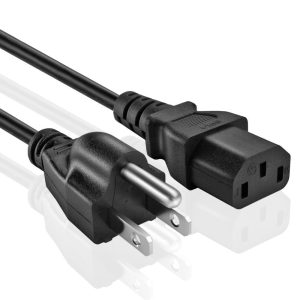 UL Listed Power Cable for Alienware Aurora R10 Gaming
 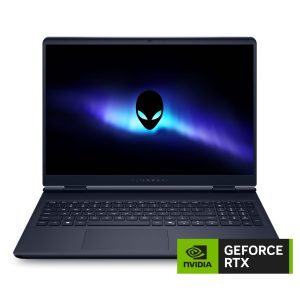 Alienware 16 Gaming Laptop Intel Core 7 RTX 5060 32GB
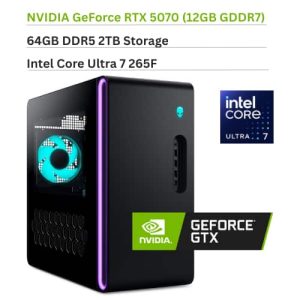
 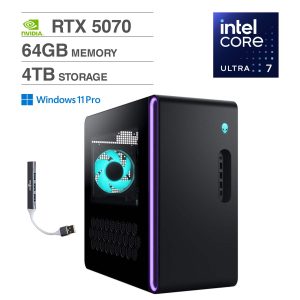 Alienware Aurora ACT1250 Desktop PC Ultra 7 RTX 5070 Gaming
 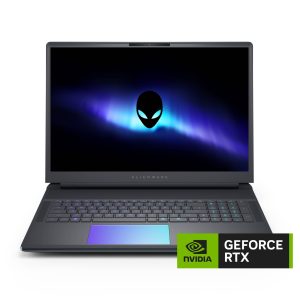 Alienware Area 51 Gaming Laptop Intel Core Ultra 9 RTX 5090