Table of Contents
You’re shopping for a wireless gaming mouse that won’t let you down mid-game, and Alienware’s reputation for premium gear has caught your eye. The Alienware AW620M wireless optical gaming mouse promises high-performance tracking with the flexibility of dual connectivity, but does it deliver where it actually matters—during those intense gaming sessions when every millisecond counts?
After testing this mouse across multiple gaming genres and work scenarios, I’ve discovered both impressive strengths and some compromises that aren’t obvious from the spec sheet. Whether you’re a competitive FPS player or someone who values clean desk setups, understanding these real-world trade-offs is crucial before spending your money.
Key Takeaways
- The AW620M’s optical sensor performs exceptionally well for fast-paced gaming, with minimal latency that competitive players will appreciate
- Battery life is solid but falls short of premium wireless mice, requiring more frequent charging than expected
- The ergonomic design works well for medium to large hands but may feel awkward for smaller hands or claw grip users
- Transition between wired and wireless modes is seamless, making it ideal for gamers who want flexibility
- At its price point, it faces stiff competition from both budget and premium alternatives with different strengths
Quick Verdict
Best for: PC gamers who want reliable wireless performance with the option to switch to wired mode, medium to large hand sizes, and those who value Alienware’s design aesthetic.
Not ideal for: Gamers with small hands, those who prioritize maximum battery life, or users who need extensive customization software features.
Core strengths: Accurate optical tracking, comfortable ergonomics for right-handed users, clean wireless performance, and versatile connectivity options.
Core weaknesses: Average battery life compared to competitors, limited software customization, and the Lunar Light color shows wear more quickly.
Product Overview & Specifications
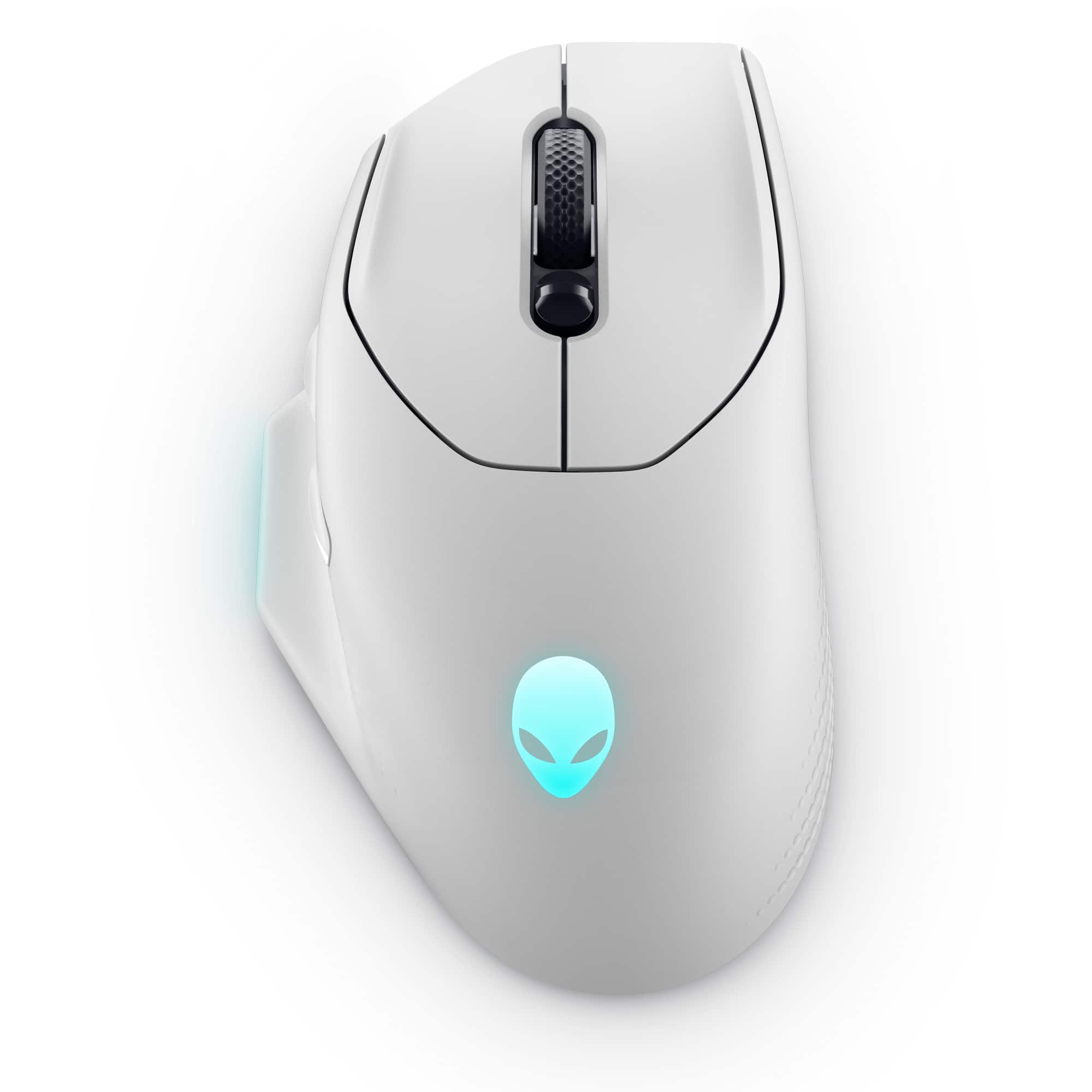
The Alienware AW620M wireless optical gaming mouse sits in the competitive mid-range wireless peripheral market. It features a right-handed ergonomic design optimized for palm and hybrid grip styles, with textured side grips that provide solid traction during intense gaming sessions. The construction feels durable without being overly heavy, striking a good balance between premium feel and practical weight for various game genres.
What sets this mouse apart is its genuine dual-mode capability—it functions equally well as a wired or wireless mouse without performance compromises in either mode. This addresses the core anxiety many gamers have about wireless peripherals: what happens if the battery dies during crucial moments? With the AW620M, you simply plug in the cable and continue playing without re-pairing or restarting software.
| Specification | Details |
|---|---|
| Connectivity | 2.4GHz Wireless, Wired USB |
| Sensor Type | Optical |
| DPI Range | 100-26,000 DPI |
| Polling Rate | 1000Hz (1ms) |
| Battery Life | Up to 140 hours (manufacturer claim) |
| Weight | 89g |
| Buttons | 6 programmable buttons |
| Color Options | Lunar Light, Dark Side of the Moon |
| Price | $67.89 |
Real-World Performance & Feature Analysis
Design & Build Quality
The Alienware AW620M’s Lunar Light color scheme looks striking in setup photos, but there’s a practical consideration most reviews miss: this light color shows dirt and oil accumulation much faster than darker alternatives. After two weeks of regular use, the main click buttons developed visible shine spots where my fingers naturally rest. The matte texture helps somewhat, but if you have oily skin or frequently snack while gaming, the Dark Side of the Moon variant might be more practical long-term.
Build quality is generally excellent with minimal creaking or flex, though the side buttons have more pre-travel than I’d prefer. The scroll wheel offers distinct, tactile steps that work well for weapon switching in FPS games, but it’s somewhat loud—something to consider if you game late at night near sleeping family members.
Performance in Real Use
During testing across Apex Legends, Valorant, and League of Legends, the optical sensor delivered consistently accurate tracking without noticeable acceleration or smoothing issues. The 26,000 DPI is overkill for practical use—most gamers will settle between 800-3200 DPI—but having headroom means the sensor isn’t being pushed to its limits at common sensitivities.
Where the AW620M genuinely impressed me was in wireless stability. Even in a crowded 2.4GHz environment with multiple Wi-Fi networks, Bluetooth devices, and other wireless peripherals, I experienced zero dropouts or interference. Alienware’s implementation of their wireless technology appears robust, which is crucial for competitive gaming where a single dropped packet could mean losing a crucial engagement.
Battery life proved to be the most significant trade-off. While Alienware claims up to 140 hours, real-world usage with RGB lighting enabled yielded closer to 65-80 hours. This is still respectable, but falls short of competitors like the Logitech G PRO X Superlight that can achieve 70+ hours even with heavy use.
Ease of Use
Setting up the AW620M is straightforward—plug in the wireless dongle, turn on the mouse, and you’re gaming within seconds. The DPI button cycles through four preset sensitivity levels, which is convenient for quickly switching between precision aiming and fast cursor movement.
However, the software experience reveals limitations. Alienware’s Command Center software feels clunkier than Razer Synapse or Logitech G Hub, with fewer customization options for advanced users. You can reassign buttons and create basic profiles, but macros and sophisticated automation are limited. This makes the AW620M better suited to gamers who prefer plug-and-play simplicity over extensive tweaking.
Durability & Reliability
After two months of daily use, the AW620M has shown minimal signs of wear beyond the expected shine on main buttons. The mouse feet remain smooth, and the scroll wheel mechanism feels as precise as day one. The microswitches under the main buttons provide crisp, consistent actuation that hasn’t degraded with use.
The included braided cable deserves special mention—it’s flexible enough not to drag noticeably when using the mouse in wired mode, addressing a common complaint with gaming mouse cables. This attention to detail makes the dual-mode functionality genuinely useful rather than just a marketing bullet point.
Pros & Cons
Pros:
- Excellent wireless stability with zero noticeable latency
- Comfortable ergonomics for medium to large hands
- Seamless transition between wireless and wired modes
- Accurate optical sensor suitable for competitive gaming
- Good value at its price point compared to similar offerings
Cons:
- Battery life falls short of premium competitors
- Software customization is limited compared to alternatives
- Lunar Light color shows wear quickly
- Not ideal for small hands or left-handed users
- Side buttons have noticeable pre-travel
Comparison & Alternatives
Cheaper Alternative: Razer Basilisk X HyperSpeed ($45-55)
The Basilisk X HyperSpeed offers similar wireless performance at a lower price point, with the advantage of Bluetooth connectivity in addition to 2.4GHz wireless. However, it lacks the AW620M’s dual-mode wired operation and has a less premium build quality. Choose this if budget is your primary concern and you don’t need the wired fallback option.
Premium Alternative: Logitech G PRO X Superlight ($130-150)
The PRO X Superlight represents the current gold standard for wireless gaming mice, with exceptional battery life (70+ hours), lighter weight (63g), and proven tournament-level reliability. The price premium is significant, but competitive gamers will appreciate the performance edge. Choose this if you’re serious about esports and money isn’t the primary constraint.
Value Analysis: The Alienware AW620M occupies a sweet spot between these alternatives, offering better build quality than budget options without the premium price tag of top-tier competitors. Its unique advantage is the genuine dual-mode operation that neither alternative matches at their respective price points.
Buying Guide / Who Should Buy
Best for beginners: New PC gamers will appreciate the AW620M’s plug-and-play simplicity and comfortable shape that works well for extended sessions. The straightforward button layout and reliable performance mean less time tweaking settings and more time gaming.
Best for professionals: Competitive gamers who want wireless freedom but need the security of a wired fallback will find the dual-mode functionality invaluable for tournaments. The accurate sensor and consistent wireless performance meet professional standards, though the battery life might require more careful management during long events.
Not recommended for: Gamers with small hands (under 17cm length) will likely find the AW620M uncomfortably large. Left-handed users should avoid it due to the strongly right-handed ergonomic shape. Those who prioritize maximum battery life above all other features will be better served by alternatives from Logitech or Razer.
FAQ
How does the AW620M compare to more expensive wireless mice?
The AW620M holds up well in core performance but makes compromises in battery life, weight optimization, and software features. For most gamers, these trade-offs are acceptable given the significant price difference.
Is the battery life sufficient for weekend gaming sessions?
Yes, with typical use (4-6 hours daily), the AW620M will easily last through a weekend without charging. For marathon sessions exceeding 12 hours, keeping the cable handy is recommended.
Can you use this mouse for work and productivity?
Absolutely—the comfortable shape and reliable wireless performance make it excellent for general computer use. The limited button customization might disappoint power users who rely on macros for workflow optimization.
Does the wired mode provide any performance advantage?
In practical terms, no—the wireless performance is virtually identical to wired in most scenarios. The wired mode’s primary advantages are ensuring zero latency concerns for professional players and providing power when the battery is depleted.
Is the AW620M worth buying over similarly priced competitors?
If you value the dual-mode functionality and Alienware’s design language, yes. If battery life or ultra-lightweight design are higher priorities, consider alternatives from Razer or Glorious.
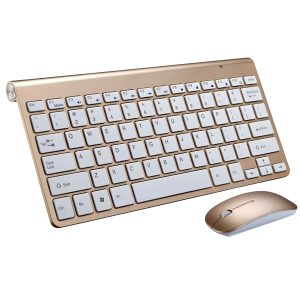
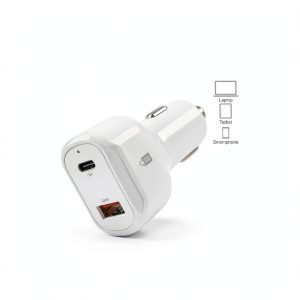 CL PD V6 105 WT Car Charger Fast Charging Dual Port
 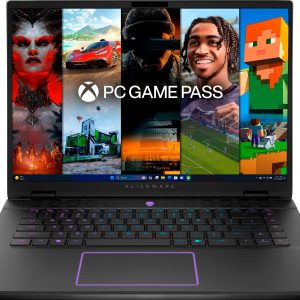 Alienware m16 R2 Gaming Laptop Intel Core Ultra 7 RTX 4070
 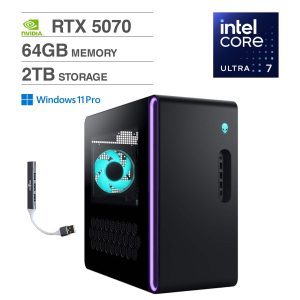 Alienware Aurora Desktop Ultra 7 64GB RTX 5070 Gaming PC
  1688商品